
Shopping
Clothes, jewelry, hats, shoes, bags. Paste a product link or share from any store.
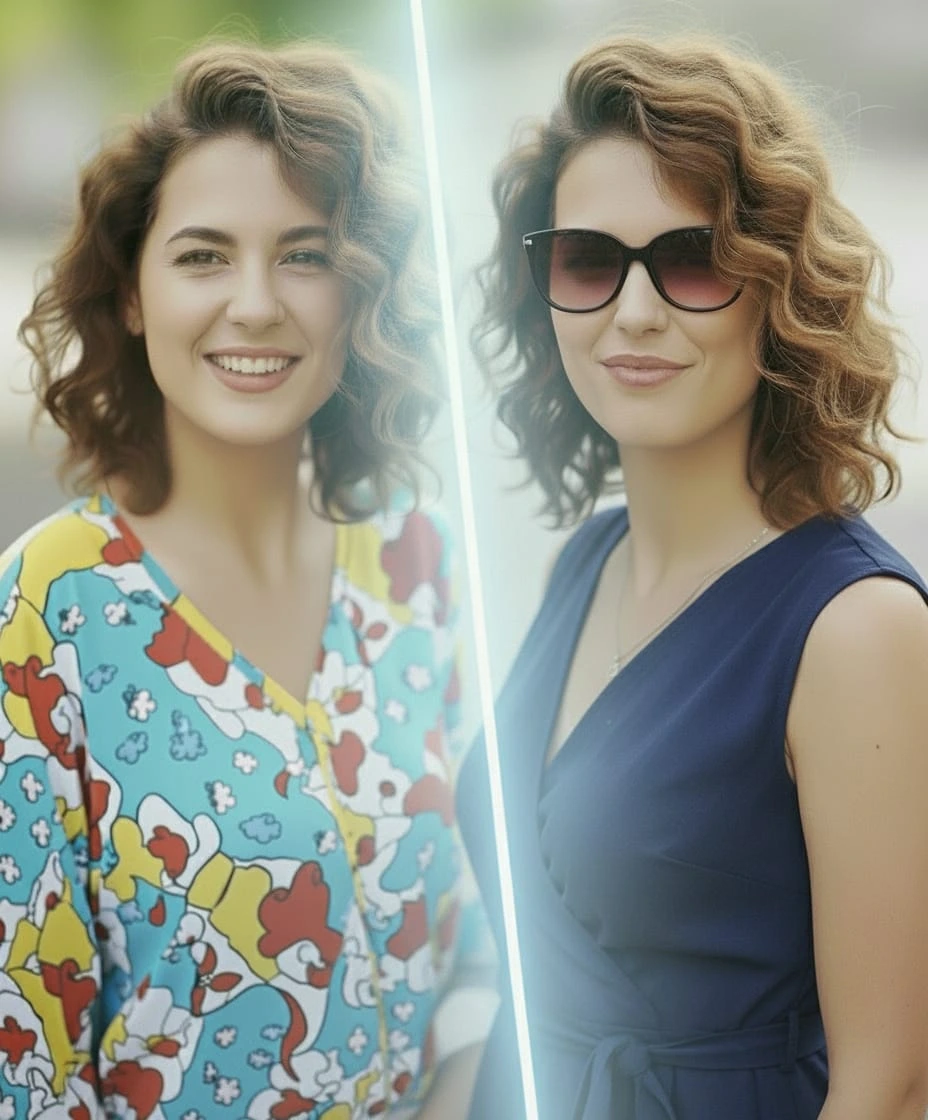
Paste a link, share from any store, and Chamo previews how it looks on you — clothing, jewelry, hair, beard, tattoos.
One clear, full-body photo is all you need. Reused for every try-on.
Paste a link, share from a store, or upload an image. Chamo figures out the rest.
A realistic preview in seconds — keep the ones you like, share, or move on.
Four kinds of try-on, all in the same app.
Clothes, jewelry, hats, shoes, bags. Paste a product link or share from any store.

Try a haircut before booking it. Long, short, color, fringe — see it on you first.
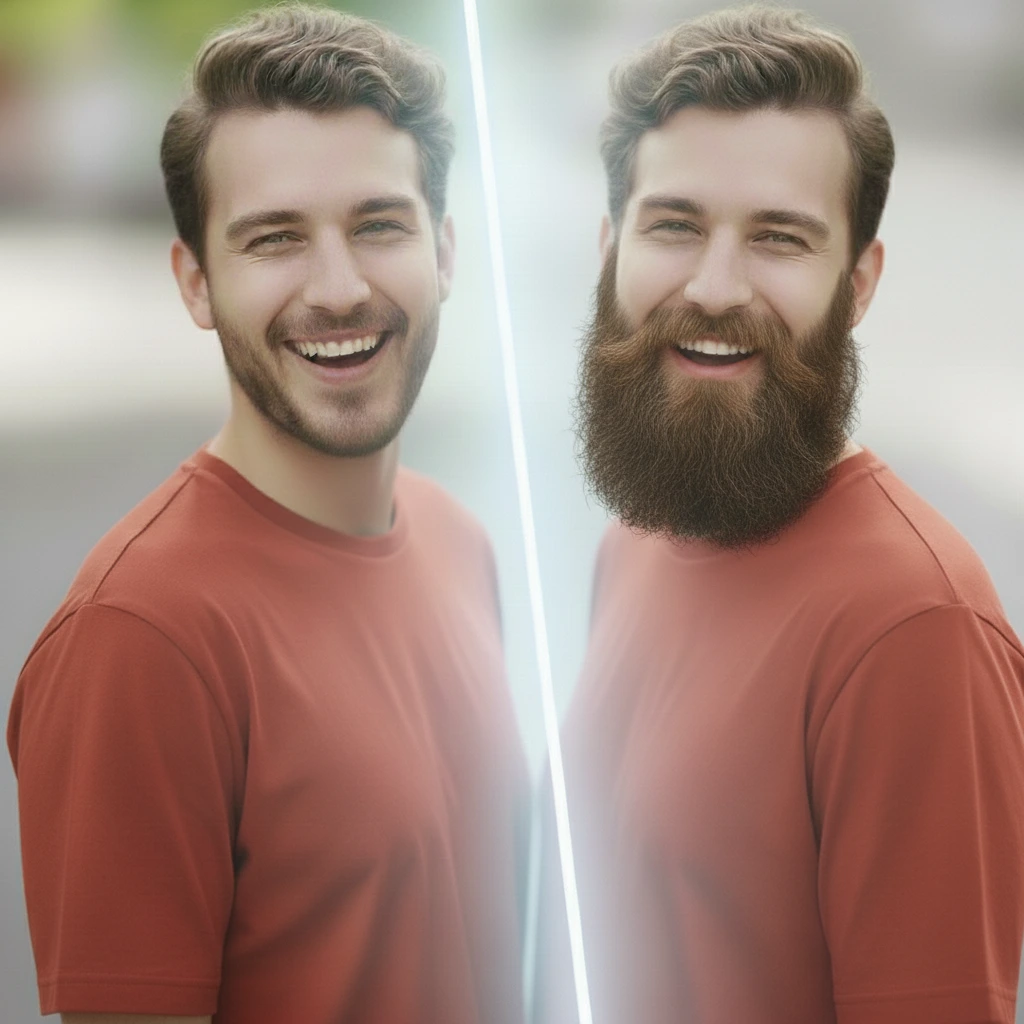
Test a new beard shape, length or fade. Decide before the razor decides for you.
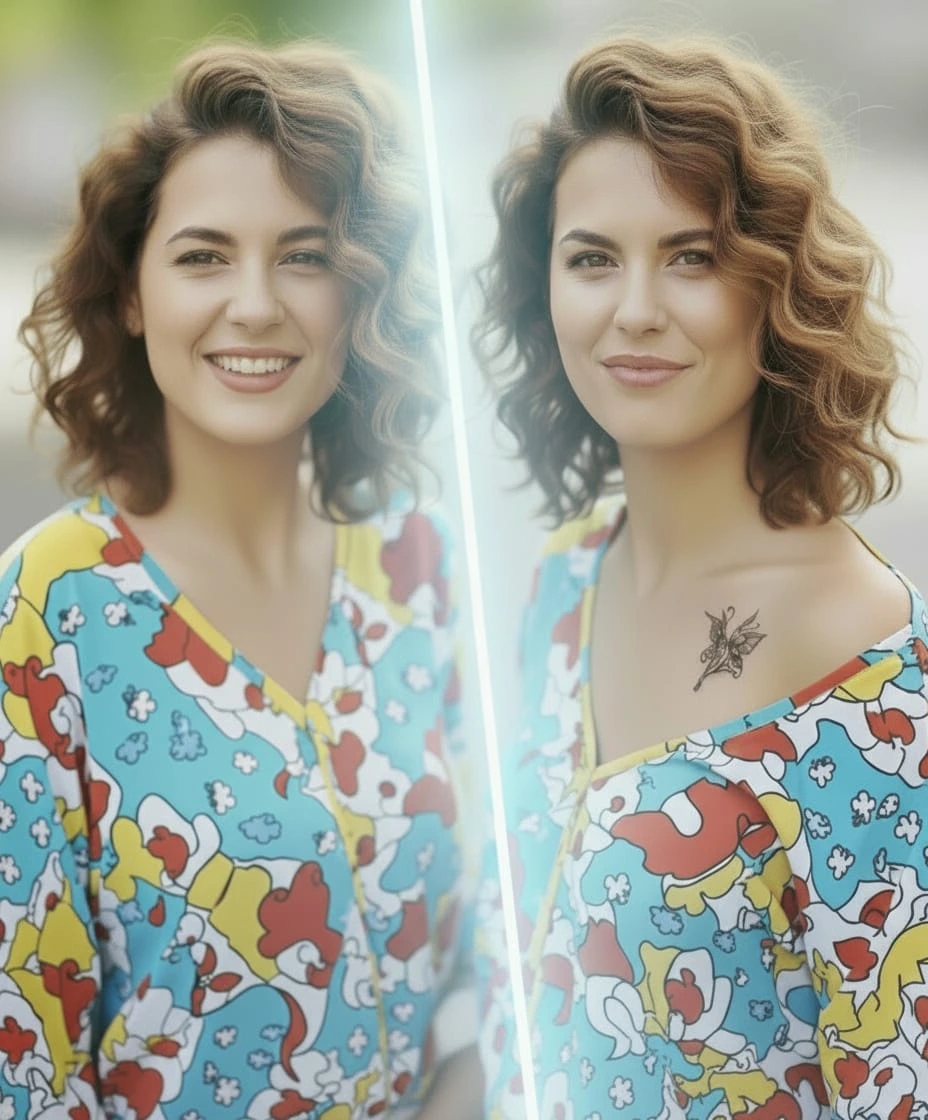
Place a design where you want it, at the size you want, in the style you want.
If something isn’t covered, write to [email protected].
Add a photo of yourself, then share a product or paste a link. Chamo generates a preview of the item on you.
Your first try-on is free. After that, monthly and yearly plans cover unlimited generations.
Clothing, jewelry, hats, shoes, accessories, hairstyles, beard styles, and tattoos.
Lighting, fit and proportions are matched to your photo, so the preview reflects how the product would actually look.
Photos are processed securely and you can delete them at any time. See the Privacy page for the full policy.
Every result is saved to your gallery. Share to any app from there, or remove it whenever you want.
One photo of yourself. Any product. A realistic preview.